I was working on a Vue Js project on my windows laptop, and while running commands in Windows Powershell, I got following error.
To fix this issue run Windows PowerShell as Admin and run following command in it.
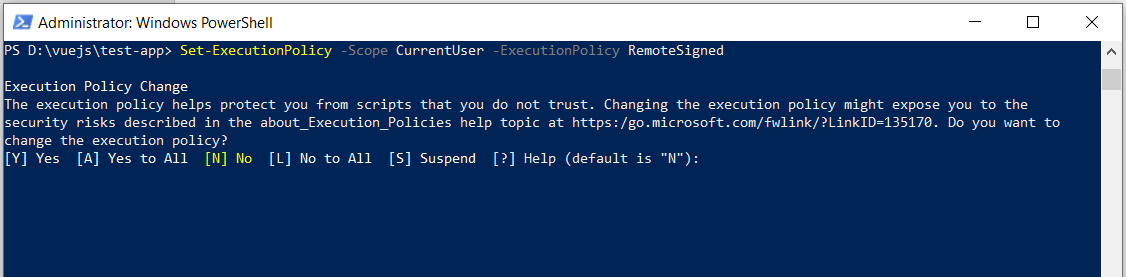
Set-ExecutionPolicy -Scope CurrentUser -ExecutionPolicy RemoteSigned
When you run above command, you will get options as following in Windows PowerShell to change execution policies.
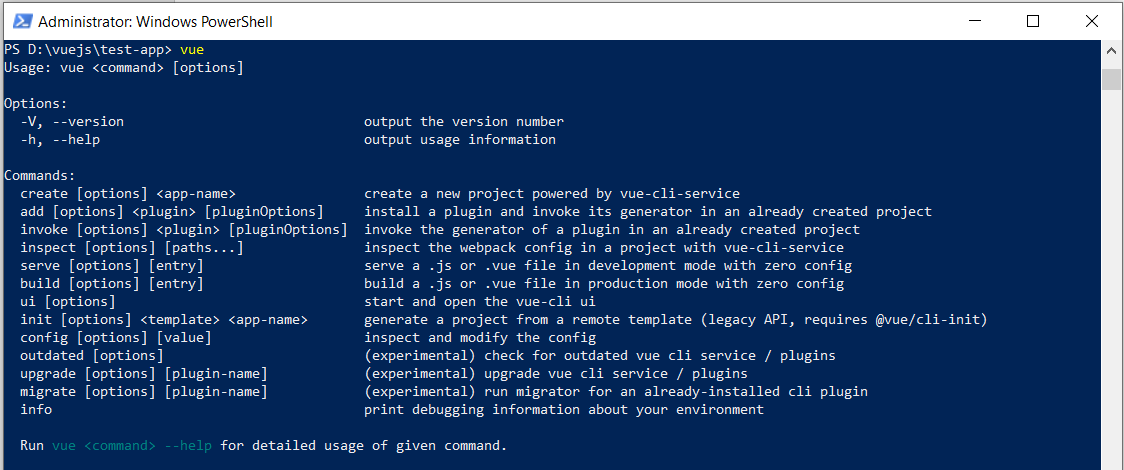
I selected “Y” option for Yes. Then for testing I run command vue in PowerShell, and command is working now.
Hope this helps!
Most "AI agent" content online is still stuck at the demo stage — a slick…
If you've been using Claude Code as little more than a fancy autocomplete — typing…
When building real-world Laravel applications, email handling quickly becomes scattered. You send emails from controllers,…
Build flexible, readable, and secure query filters across multiple Laravel models — no more bloated…
Artificial Intelligence is transforming how we work, create, and earn. But most people get stuck…
In today’s fast-paced world, businesses can no longer rely solely on traditional methods to stay…